Introduction & PAC Pattern

What is WakaPAC?

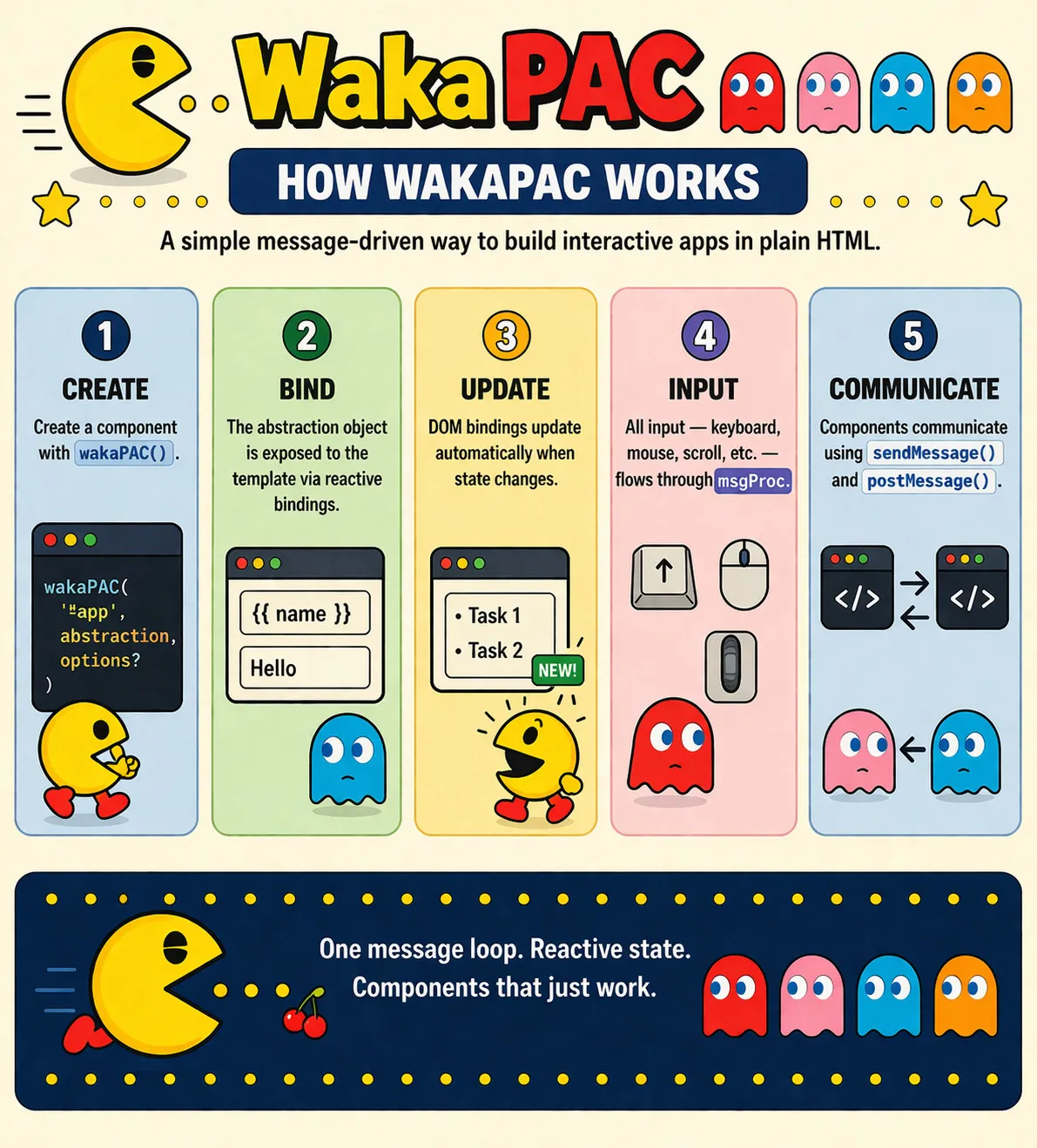
WakaPAC is a complete application framework in a single JavaScript file that provides reactive data binding, component hierarchy, and automatic DOM updates. Include one script tag, write HTML and JavaScript, and you're building reactive applications - no npm, no bundlers, no configuration files.

About the name

The name WakaPAC combines Waka (the sound Pac-Man makes) with PAC (the Presentation-Abstraction-Control architecture pattern it's built on) - because good software architecture should be as addictive as classic arcade games.

Quick Example

Here's a complete interactive application:

<!DOCTYPE html>
<html>
<head>
    <script src="https://cdn.jsdelivr.net/gh/quellabs/wakapac@main/wakapac.min.js"></script>
</head>
<body>
    <div id="app">
        <h1>Hello {{ name }}!</h1>
        <input data-pac-bind="value: name" placeholder="Enter your name">
        <p>Character count: {{ name.length }}</p>
    </div>

    <script>
        wakaPAC('#app', {
            name: 'World'
        });
    </script>
</body>
</html>

That's it. Type in the input and watch the heading and character count update automatically. No compilation, no virtual DOM, no JSX - just reactive HTML.

Key Features

Reactive Data Binding

Two-way binding between your data and the DOM. Change your data, the DOM updates. User interaction updates the DOM, your data changes.

<input data-pac-bind="value: email">
<p>You entered: {{ email }}</p>

Declarative Templates

Use familiar HTML with simple data attributes and mustache syntax:

<button data-pac-bind="click: save, enable: !saving">
    {{ saving ? 'Saving...' : 'Save' }}
</button>

<ul data-pac-bind="foreach: items" data-pac-item="item">
    <li>{{ item.name }}: {{ item.price }}</li>
</ul>

Computed Properties

Derive values from your data that update automatically when dependencies change:

wakaPAC('#app', {
    firstName: 'John',
    lastName: 'Doe',
    
    computed: {
        fullName() {
            return `${this.firstName} ${this.lastName}`;
        }
    }
});

Component Hierarchy

Build complex applications with parent-child component relationships and message passing:

// Parent component
wakaPAC('#parent', {
    receiveFromChild(type, data) {
        console.log('Child sent:', type, data);
    }
});

// Child component - automatically detects parent
wakaPAC('#child', {
    sendUpdate() {
        this.notifyParent('update', { value: 42 });
    }
});

Multiple Element Binding

Bind the same reactive abstraction template to multiple DOM elements using class, tag, or attribute selectors:

// Single element (ID selector) - returns single abstraction
const app = wakaPAC('#app', { count: 0 });

// Multiple elements (class selector) - returns array of abstractions
const counters = wakaPAC('.counter', { count: 0 });

// Tag selector - returns array
const sections = wakaPAC('section', { visible: true });

// Attribute selector - returns array
const widgets = wakaPAC('[data-widget]', { active: false });

Each matched element becomes an independent component instance with its own state:

<div class="counter">
    <p>Count: {{count}}</p>
    <button data-pac-bind="click: increment">+</button>
</div>
<div class="counter">
    <p>Count: {{count}}</p>
    <button data-pac-bind="click: increment">+</button>
</div>

<script>
    // Creates two independent counters
    wakaPAC('.counter', {
        count: 0,
        increment() { this.count++; }
    });
    // Each counter maintains separate state
</script>

WakaPAC identifies each component instance with a data-pac-id attribute. For parent-child communication with multiple instances, provide explicit IDs:

<div id="parent">
    <div class="child" data-pac-id="child-1"></div>
    <div class="child" data-pac-id="child-2"></div>
</div>

<script>
    wakaPAC('#parent', {
        updateChild() {
            // Target specific child by data-pac-id
            this.notifyChild('child-1', 'update', { value: 42 });
        }
    });
</script>

Browser & Container Properties

Access scroll position, viewport dimensions, network status, and more through reactive properties - no event listeners needed:

<button data-pac-bind="visible: browserScrollY > 300, click: scrollToTop">
    ↑ Back to Top
</button>

<div data-pac-bind="visible: !browserOnline" class="offline-banner">
    You're offline - changes will sync when reconnected
</div>

Expression Language

Template expressions support JavaScript-like operations including ternaries, arithmetic, comparisons, and limited array methods:

<p>Total: ${{ items.reduce((sum, i) => sum + i.price, 0) }}</p>
<span>{{ count > 0 ? count + ' items' : 'Empty' }}</span>
<div data-pac-bind="class: { active: isSelected, disabled: !enabled }">
Note: Expressions use WakaPAC's own parser, not JavaScript's eval(). Property access (like .length, .name) works normally, but method calls are restricted for security. Only these array methods are allowed: includes(), indexOf(), join(). See Interpolation for details.

What Makes WakaPAC Different?

Feature WakaPAC Vue/React/Alpine
Build tools required No Yes (for full features)
Drop-in script tag Yes Limited (Alpine yes, Vue/React need builds)
Two-way binding Built-in Vue: yes, React: manual, Alpine: yes
Component hierarchy Automatic parent detection Manual props/events
Template syntax Mustache + data attributes Vue: similar, React: JSX, Alpine: similar
Learning curve Low - HTML + JavaScript Medium-high (concepts, ecosystem)

Understanding the PAC Architecture

WakaPAC is built on the Presentation-Abstraction-Control (PAC) pattern, which cleanly separates three concerns:

1. Presentation (Your HTML)

What the user sees and interacts with - your templates and DOM elements.

2. Abstraction (Your Data)

What your application knows - your data model, computed properties, and methods.

3. Control (WakaPAC)

What keeps them in sync - WakaPAC's reactive layer that handles DOM updates, event routing, and dependency tracking.

The key difference from MVC: In PAC, the Presentation and Abstraction layers never communicate directly - all interaction goes through the Control layer. This means:

  • Automatic reactivity: You never manually update the DOM - change your data and the Control layer updates the presentation
  • Predictable flow: Data changes always flow through the same path, making debugging easier
  • Clean separation: Your HTML templates and JavaScript data models remain completely independent

As a developer, you only work with Presentation (HTML) and Abstraction (JavaScript). The Control layer is WakaPAC itself, working behind the scenes.

When to Use WakaPAC

WakaPAC is ideal for:

  • Prototypes and MVPs that need reactive features without build complexity
  • Content sites with interactive components (dashboards, admin panels, forms)
  • Progressive enhancement of traditional server-rendered pages
  • Projects where simplicity and maintainability outweigh framework ecosystem
  • Teams comfortable with HTML/JavaScript who want reactivity without the learning curve

Consider alternatives if you need:

  • Maximum performance for large-scale SPAs with thousands of components
  • Rich ecosystem of pre-built components and plugins
  • Strong TypeScript integration and type safety
  • Framework-integrated SSR/SSG solutions (like Next.js or Nuxt)

File Size

WakaPAC is a single JavaScript file with zero dependencies. The entire framework - reactive system, component hierarchy, expression parser, browser properties - is in one file you can drop into any project.

File sizes:

  • Source: ~236KB (with comments and formatting)
  • Minified: ~55KB
  • Minified + Gzipped: ~15KB

Comparison (all sizes minified + gzipped):

  • WakaPAC: ~15KB - complete framework in one file
  • Alpine.js: ~15KB - minimal feature set
  • Vue 3: ~33KB - runtime only (no router/store)
  • React + ReactDOM: ~40KB - no router/state management

Performance

WakaPAC optimizes updates through:

  • Expression caching: Parsed expressions are cached to avoid repeated parsing overhead
  • Value comparison: Expressions are re-evaluated, but DOM updates only happen when values actually change
  • Scoped updates: Only elements in the component's binding map are processed, not the entire DOM tree

This simple approach is efficient because DOM manipulation is the expensive operation - evaluation and comparison are fast.